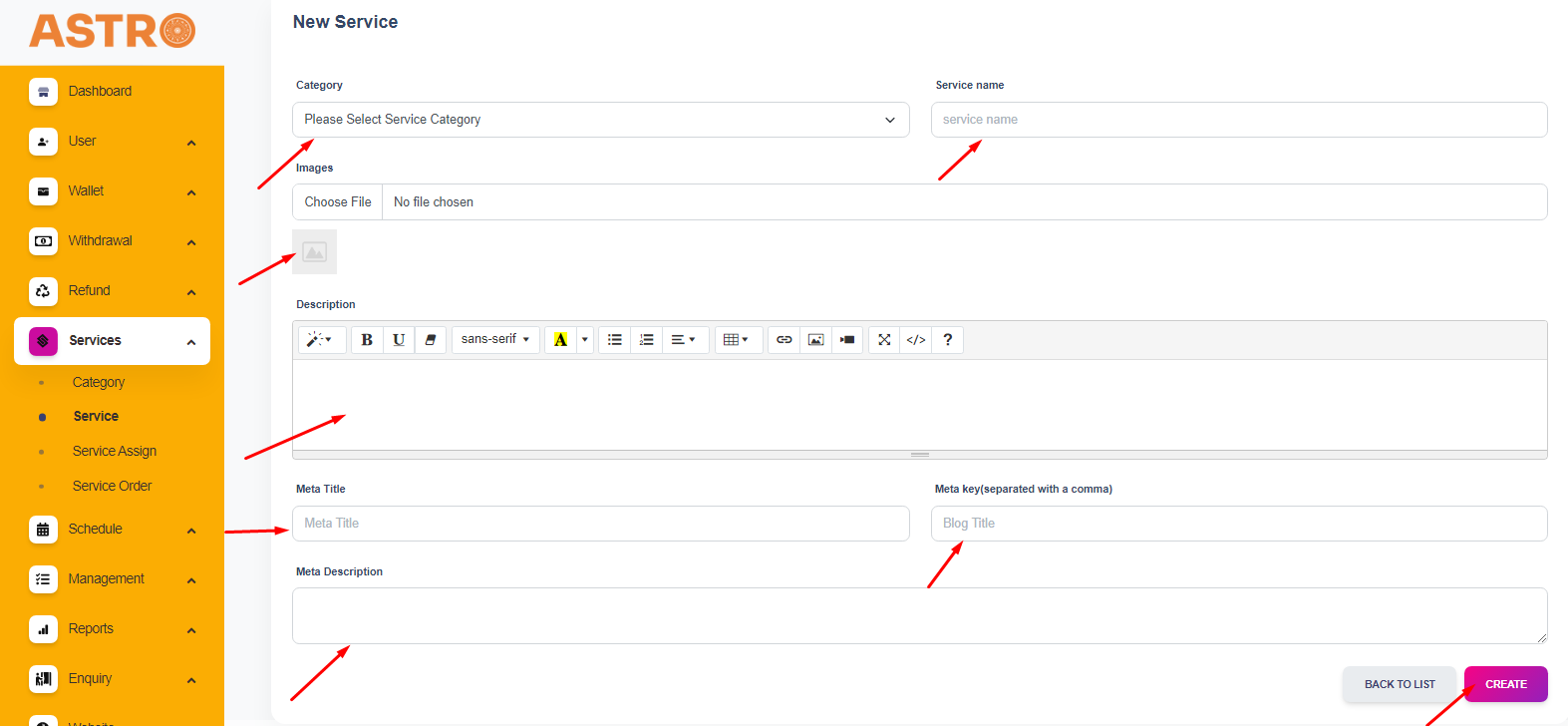
In essence, astrologers have the option to register their services through the app. However, if they encounter any difficulties in adding services via the app or if a merchant prefers to manually input their services, this alternative option will be available.
To add services, simply follow the steps.
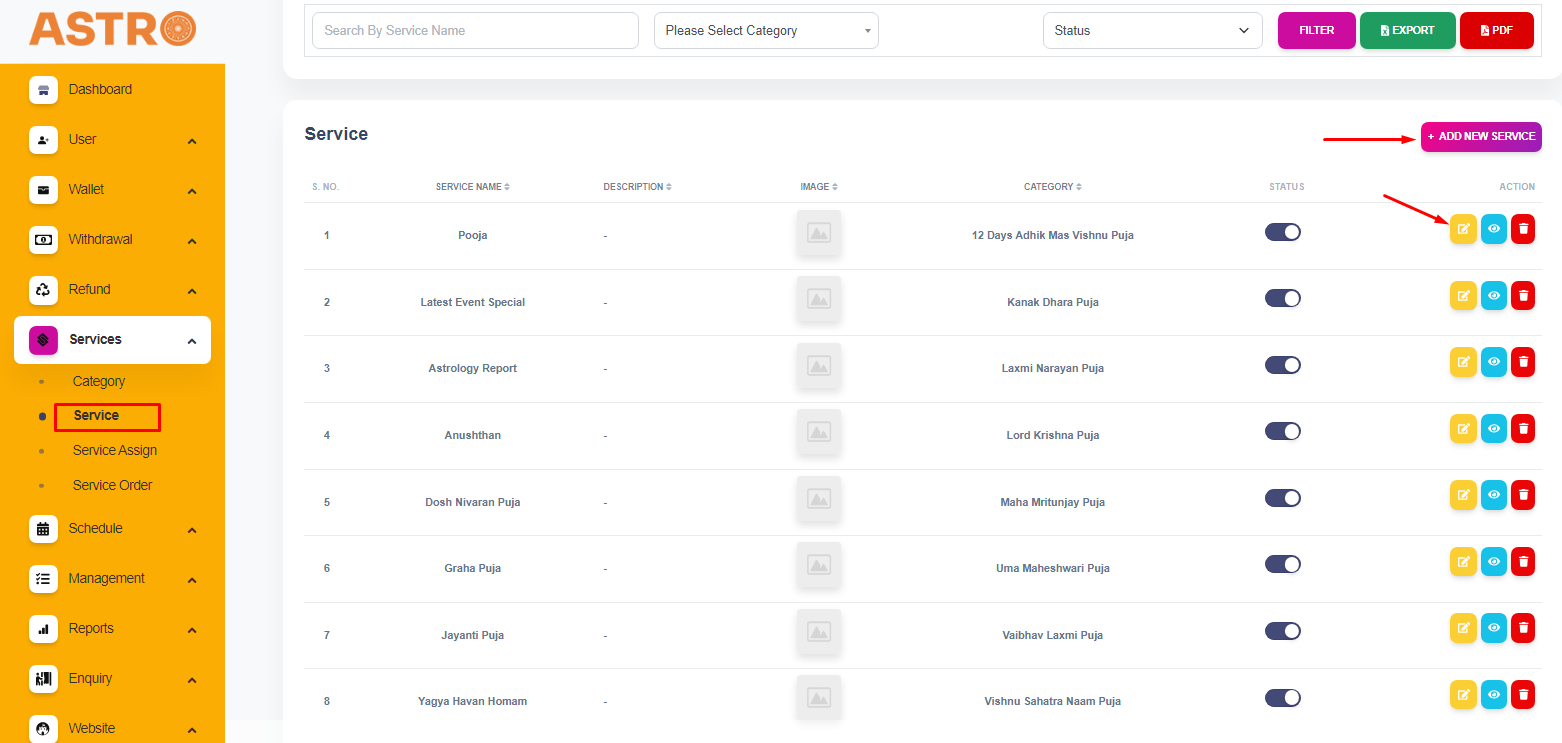
Access the “Services” option within the app.
Next, select the “Service” option.
You will find a list of default services, which can be customized to meet the astrologer's specific needs.
Additionally, you have the ability to view and remove service details directly from the app.
Following that, you will find an option to include new services, allowing you to add fresh services as needed.