
Consultants can access their dashboard by logging into the Consultly portal. Follow the steps below to sign in.
Step 1: Open the Consultant Login Page
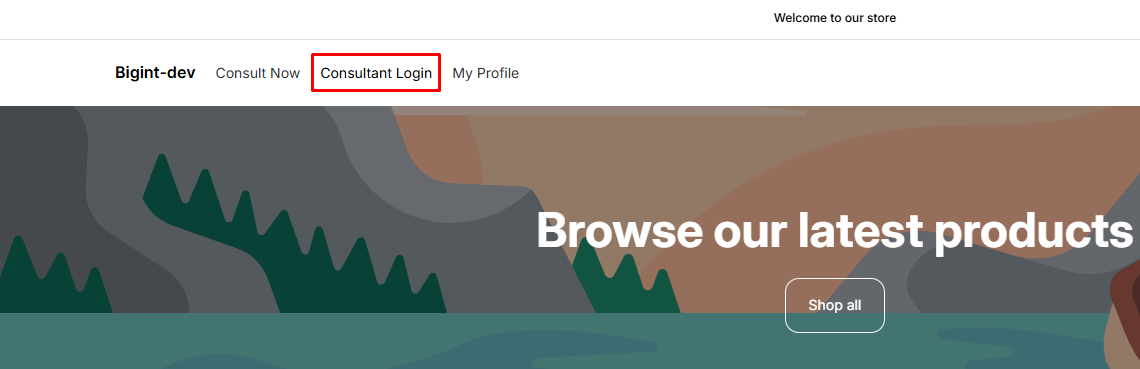
Open your store and navigate to the consultant login page using the following format:
Consultant Login URL
- https://your-store.myshopify.com/apps/consultly/login
Replace your-store.myshopify.com with your actual Shopify store domain.
Example:
Step 2: Enter Your Login Credentials
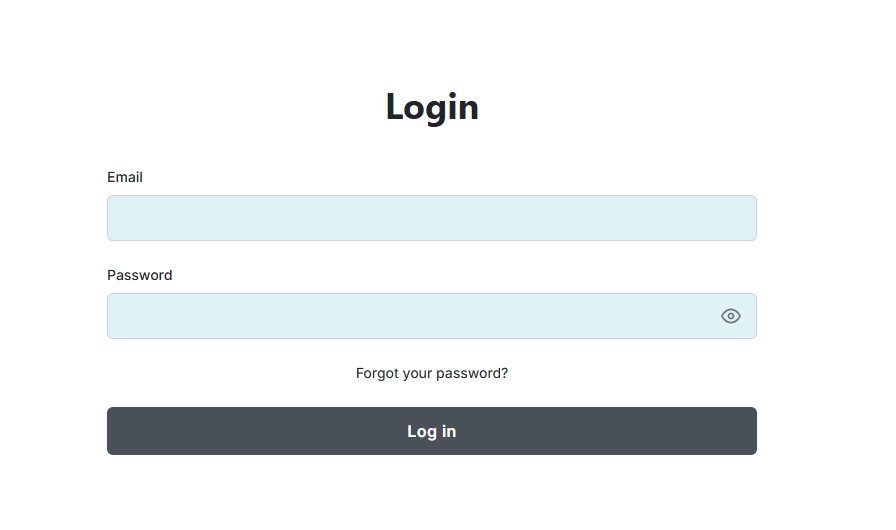
On the login page:
- Enter your registered email address.
- Enter your password.
- Click Login.
If your credentials are correct, you will be redirected to your Consultant Dashboard.
Step 3: Access Your Dashboard
After logging in successfully, you can:
- View and update your profile
- Manage your availability status
- Receive incoming chat, voice, and video call requests
- View your earnings and activity (if enabled)
Important: Enable Notification Permission
To receive incoming call alerts, you must allow browser notifications.
- When you log in for the first time, your browser will display a notification permission request.
Click Allow to enable notifications.
Note: Notifications are required to receive real-time alerts for incoming consultation requests.
If You Accidentally Clicked "Block"
If notification permission was blocked, follow these steps:
- Click the ? Lock icon next to your browser's address bar.
- Locate the Notifications permission.
- Change the setting to Allow.
- Refresh the page.
Your consultant dashboard will now be able to receive incoming call notifications.
Tips:
- Always log in using your registered consultant email address.
- Keep your browser open while you are available for consultations.
- Ensure notification permission is enabled to avoid missing incoming calls.
- If you forget your password, contact the store administrator for assistance.